


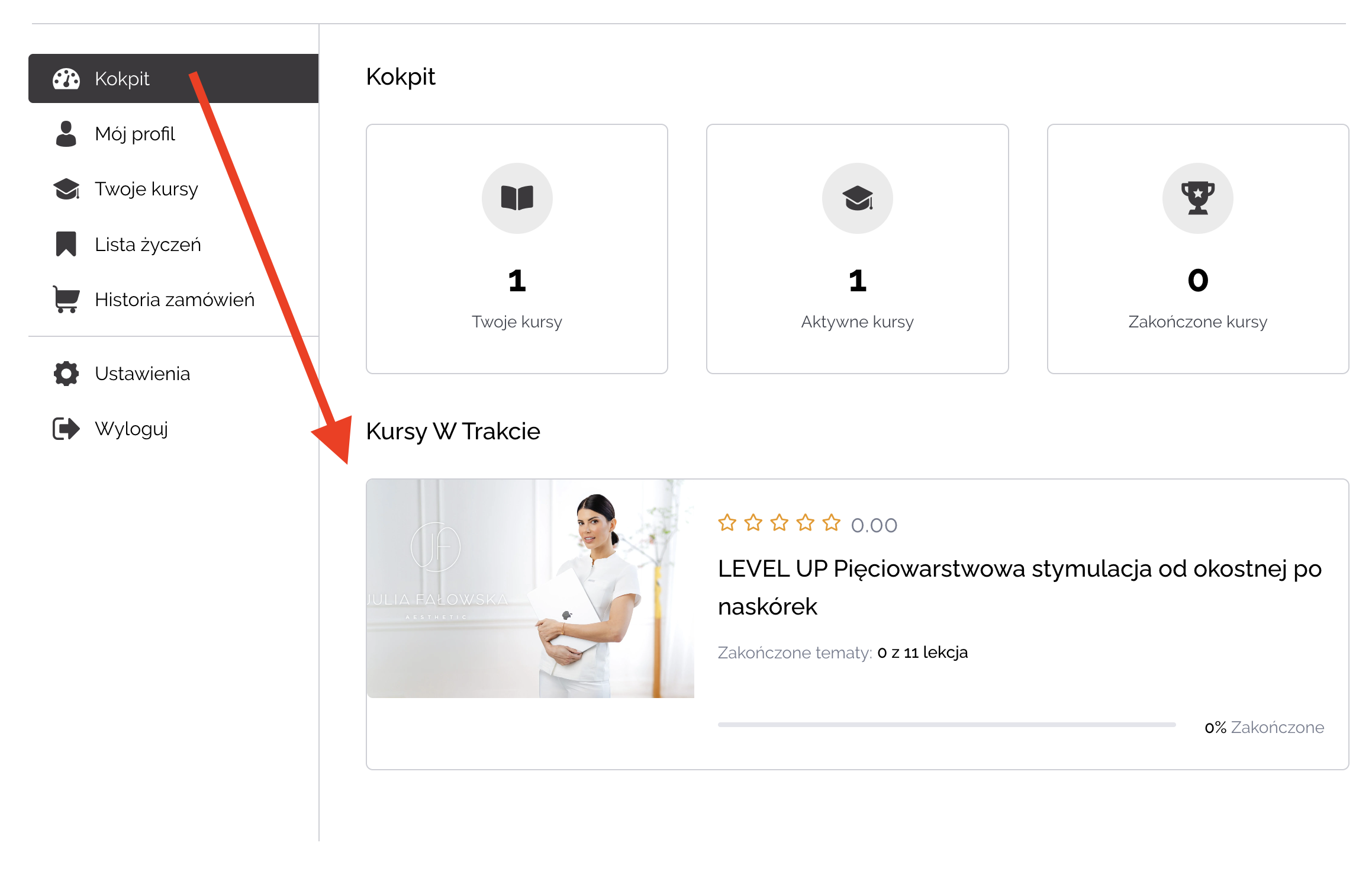
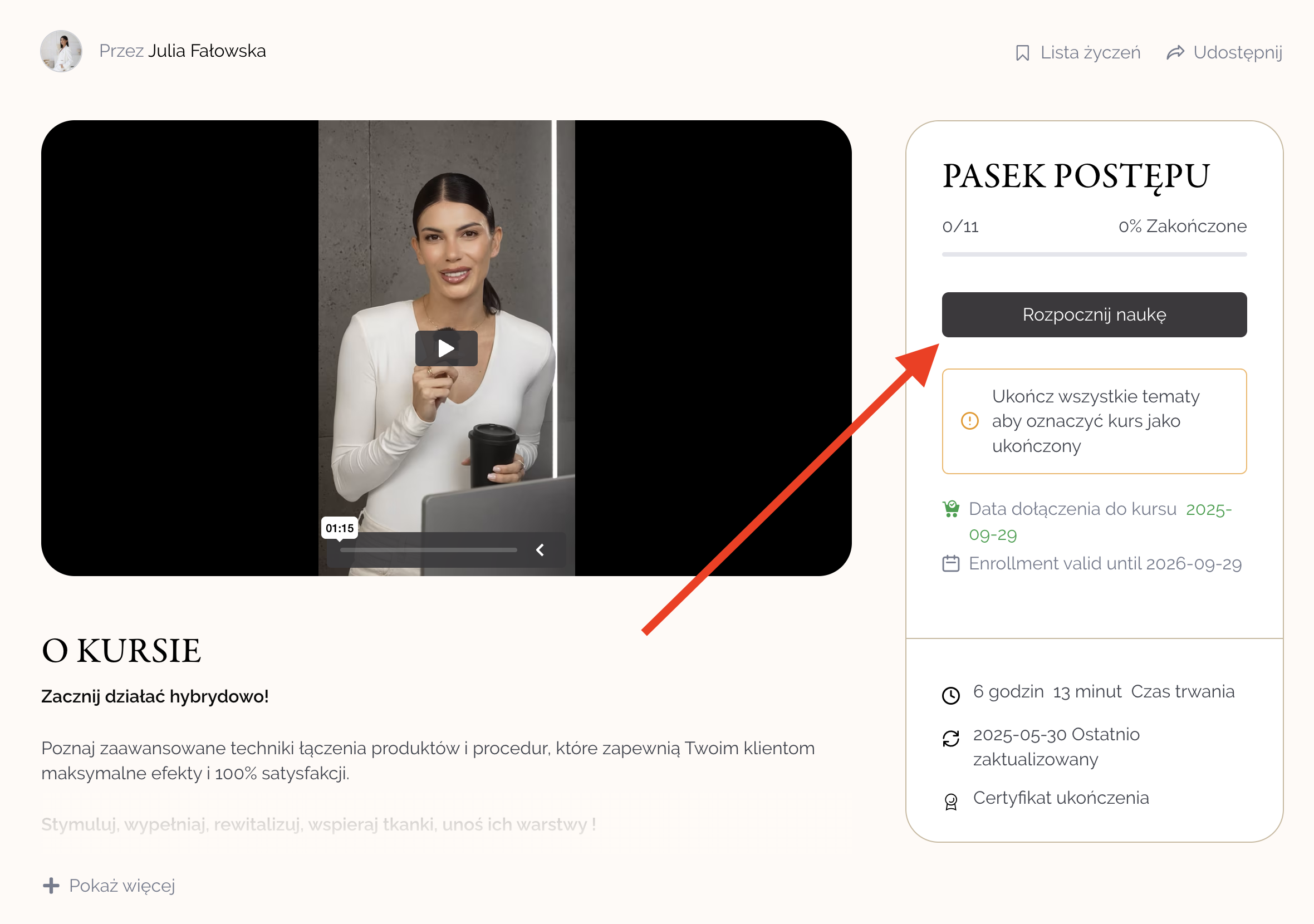
Method 1: After logging into the user panel(https://juliafalowska.com.pl/kokpit), the purchased training will be available in the "Cockpit" tab under the heading "Courses in progress". Click on the selected training to go to its page. On the training page, you will see a
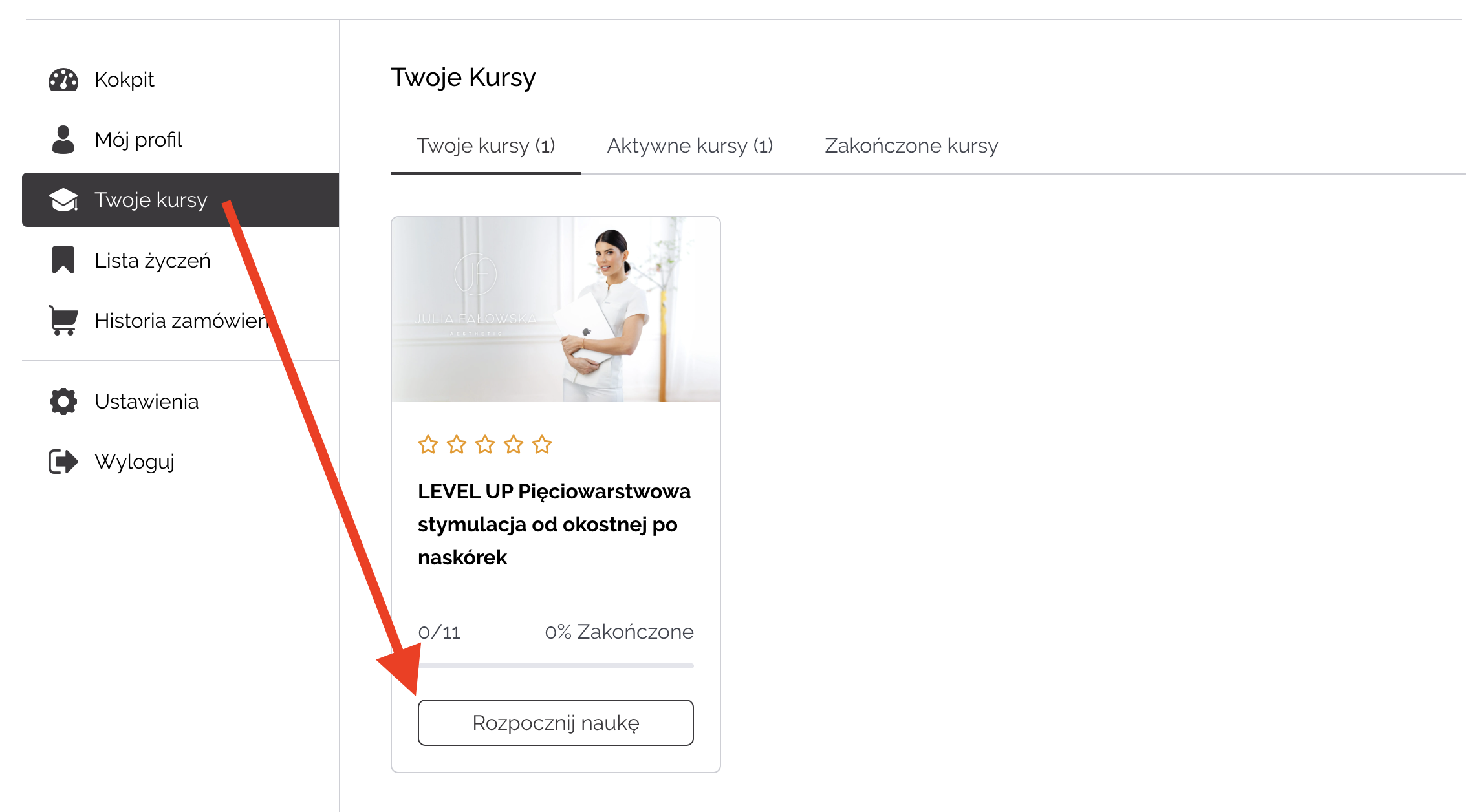
Method 2: After logging in to the user panel(https://juliafalowska.com.pl/kokpit), the "Your Courses" tab will show the purchased training courses. Next to each training
This means you are not logged in. Log in to your user panel(https://juliafalowska.com.pl/kokpit).
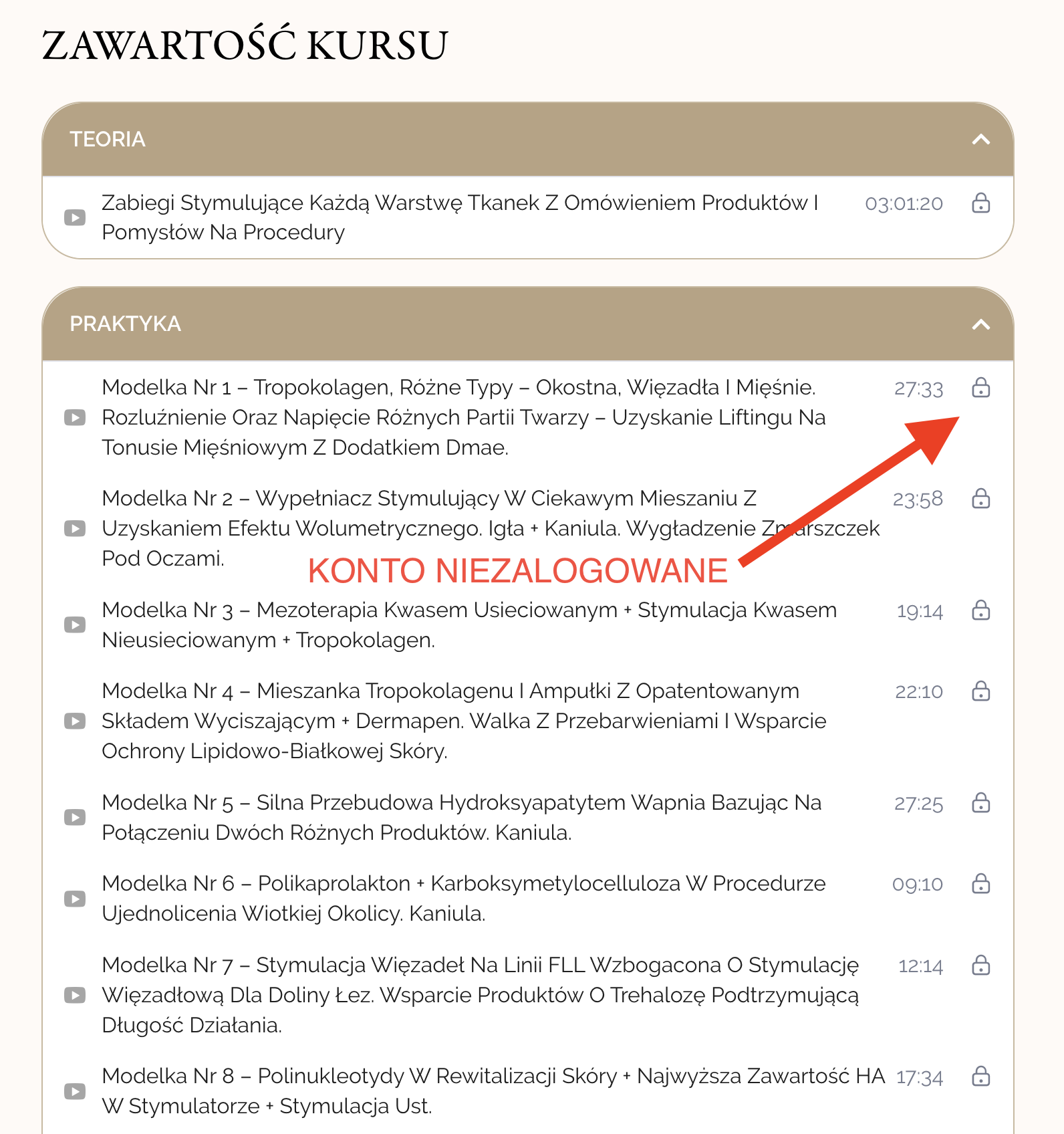
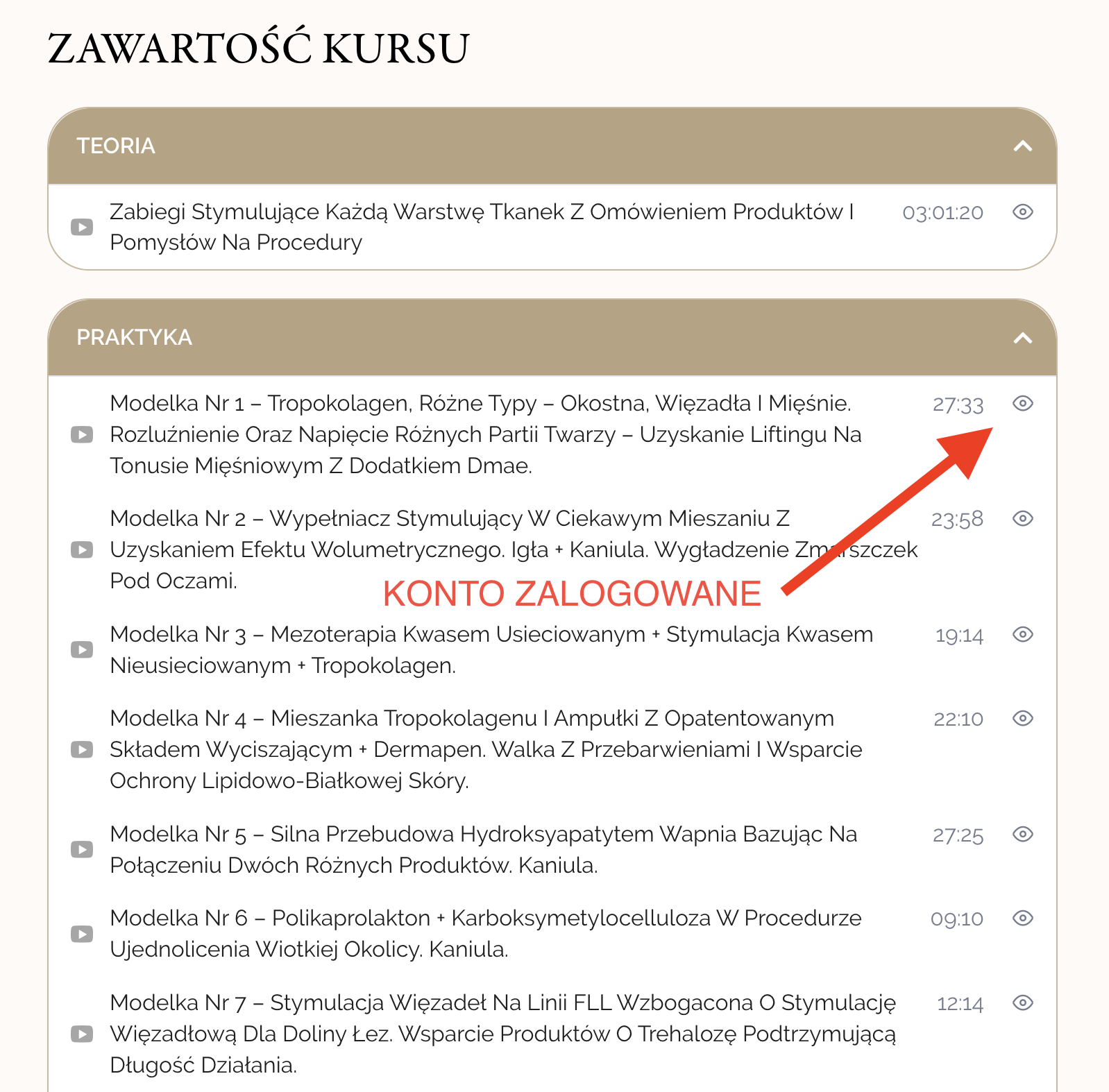
How to make sure you are logged in? See below in the "Step by step" section
If after purchasing the training - going to the training page, you still see the "Buy Now" button . This means that you are not logged in. Log in to your user panel
How to make sure you are logged in? See below in the "Step by step" section
Yes, the online training is available for 365 days from the date of purchase and during this time you can return to it without limitation.
Webinar recordings are available for 180 days (six months) from the date of purchase.
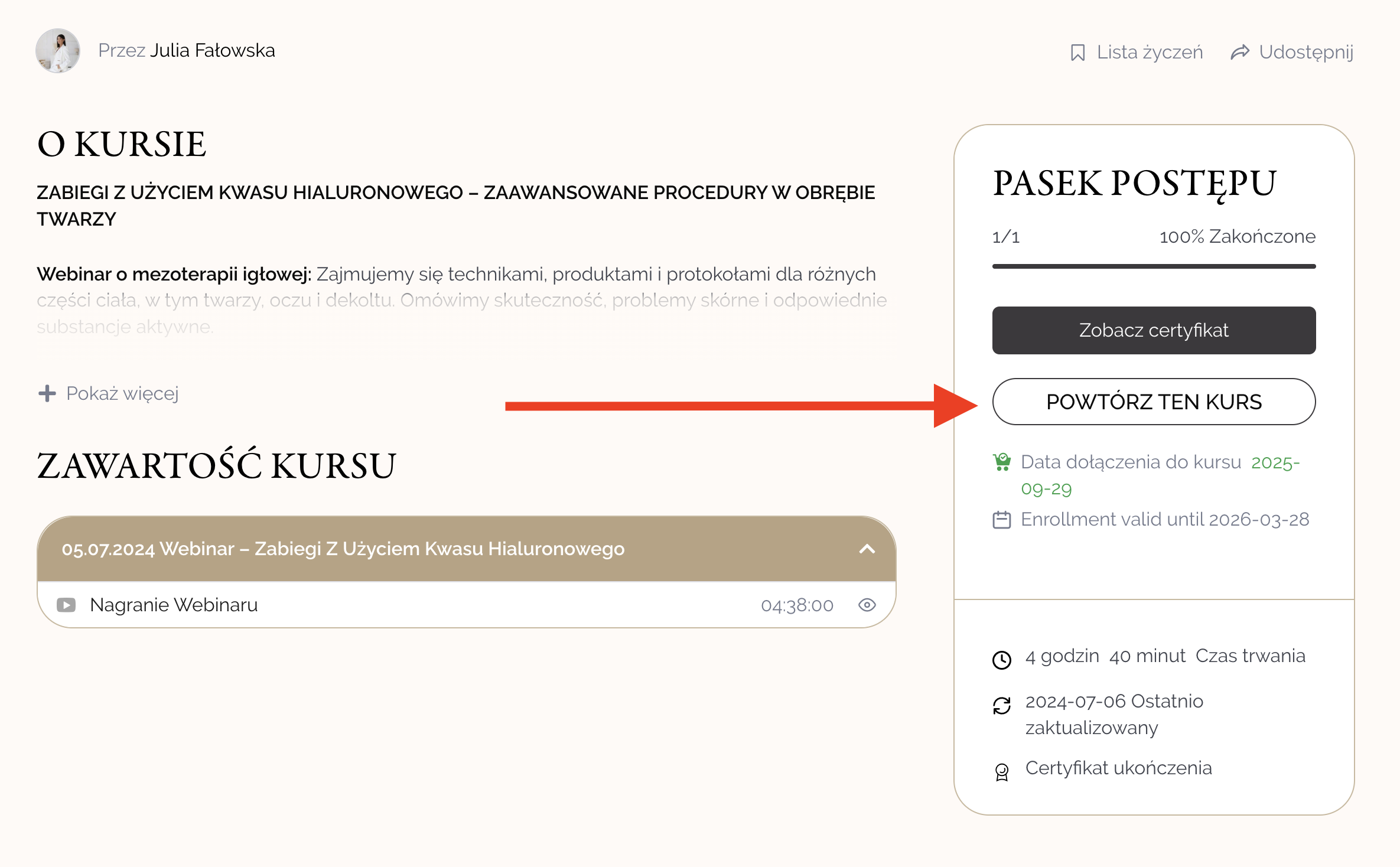
While logged in, go to the training page and click the "Repeat course" button . This will give you access to the materials again.
First try logging in in incognito mode or another browser. If this does not help, please contact us: hello@juliafalowska.com.pl
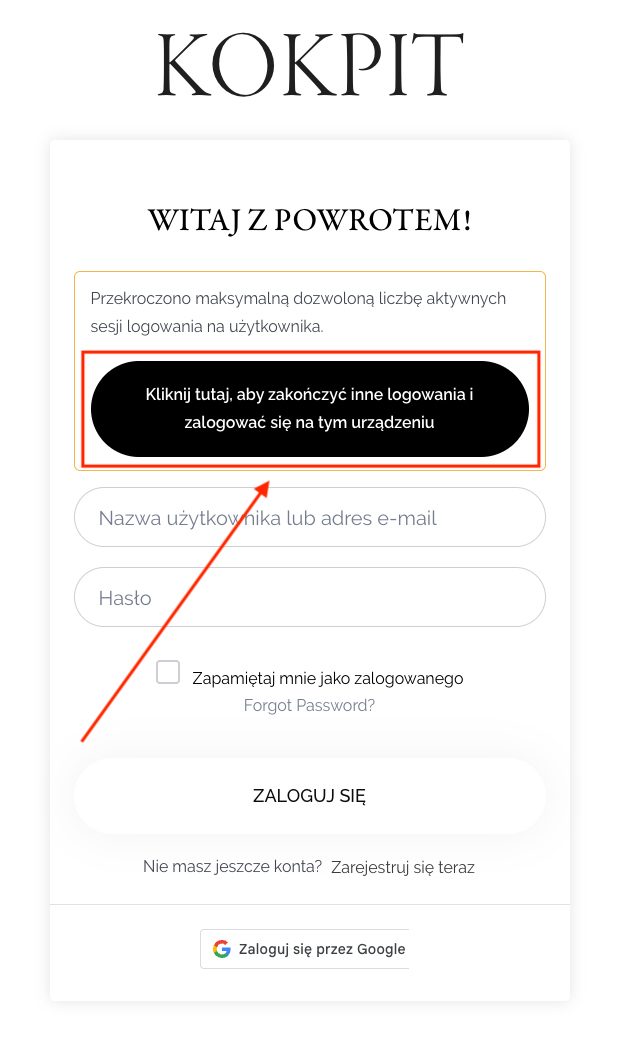
This means that the account is logged in on several devices. To log in, click the big black button "Click here to complete other logins and log in on this device" on the login page, then try again.
Yes, but you can't be logged in on several devices at the same time. To switch to another device, log out of the previous one first.
Go to: https://juliafalowska.com.pl/kokpit
- if you see a panel with your name/account name and a list of training courses, you are logged in.
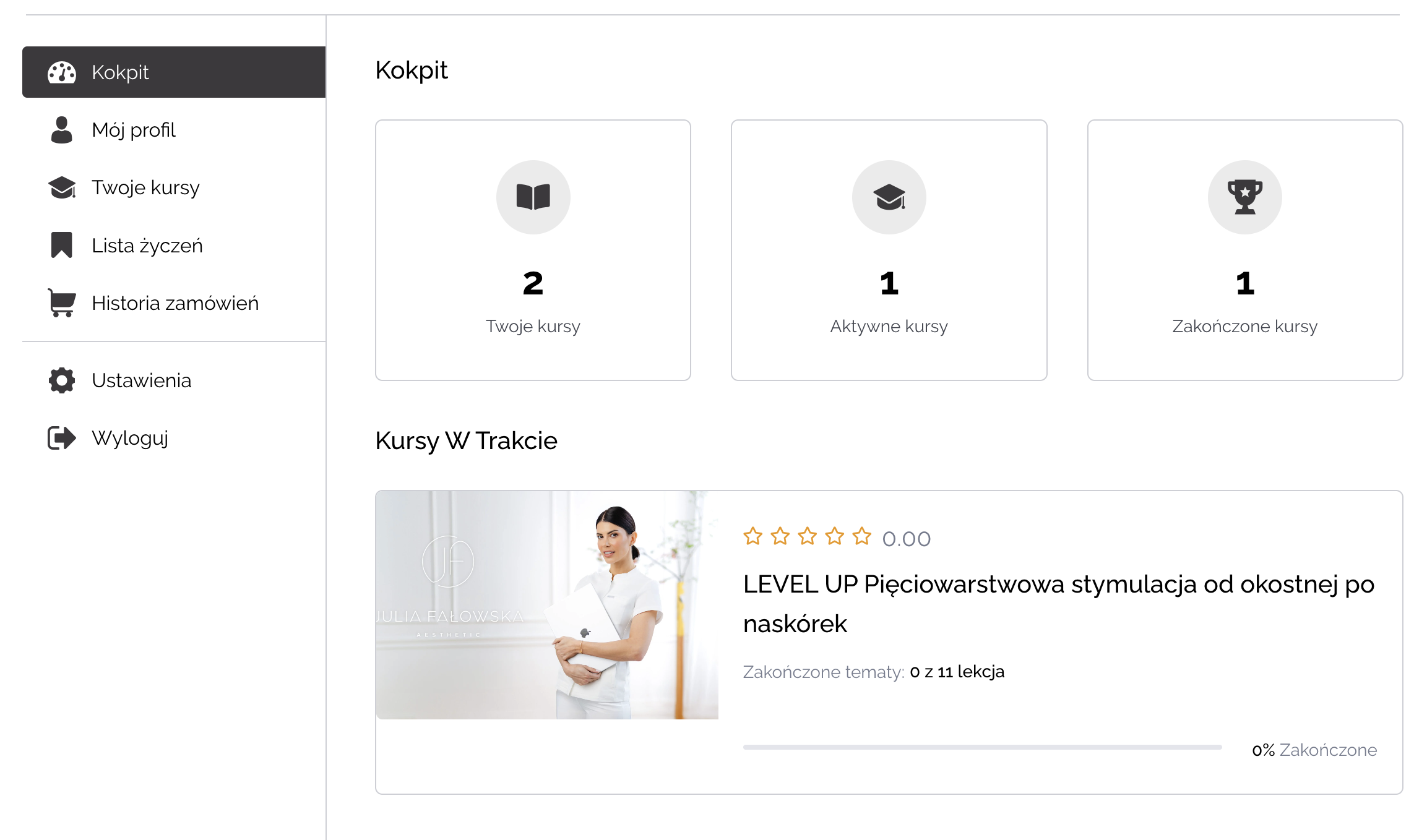
- If you see the login form (the "Login" and "Password" fields), it means that you are not logged in.
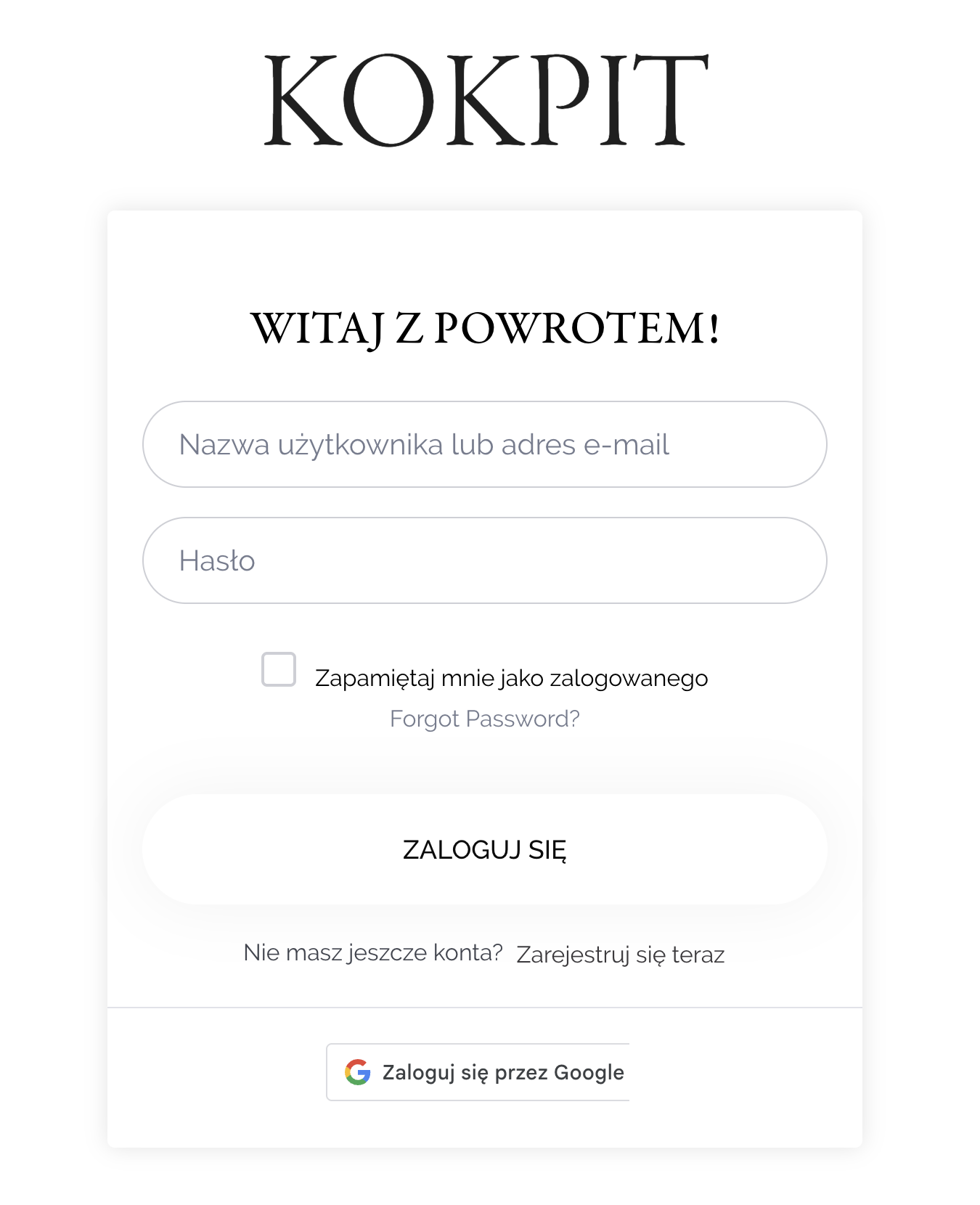
On the login page, click "Clear all active logins" and then log in again.
After logging in, go to the "Your Courses" tab, select a training course and click the "Repeat Course" button.